

Phishing Prevention: Complete Guide for 2026
 Zahra_AlialialiJune 15, 20264 Mins read202
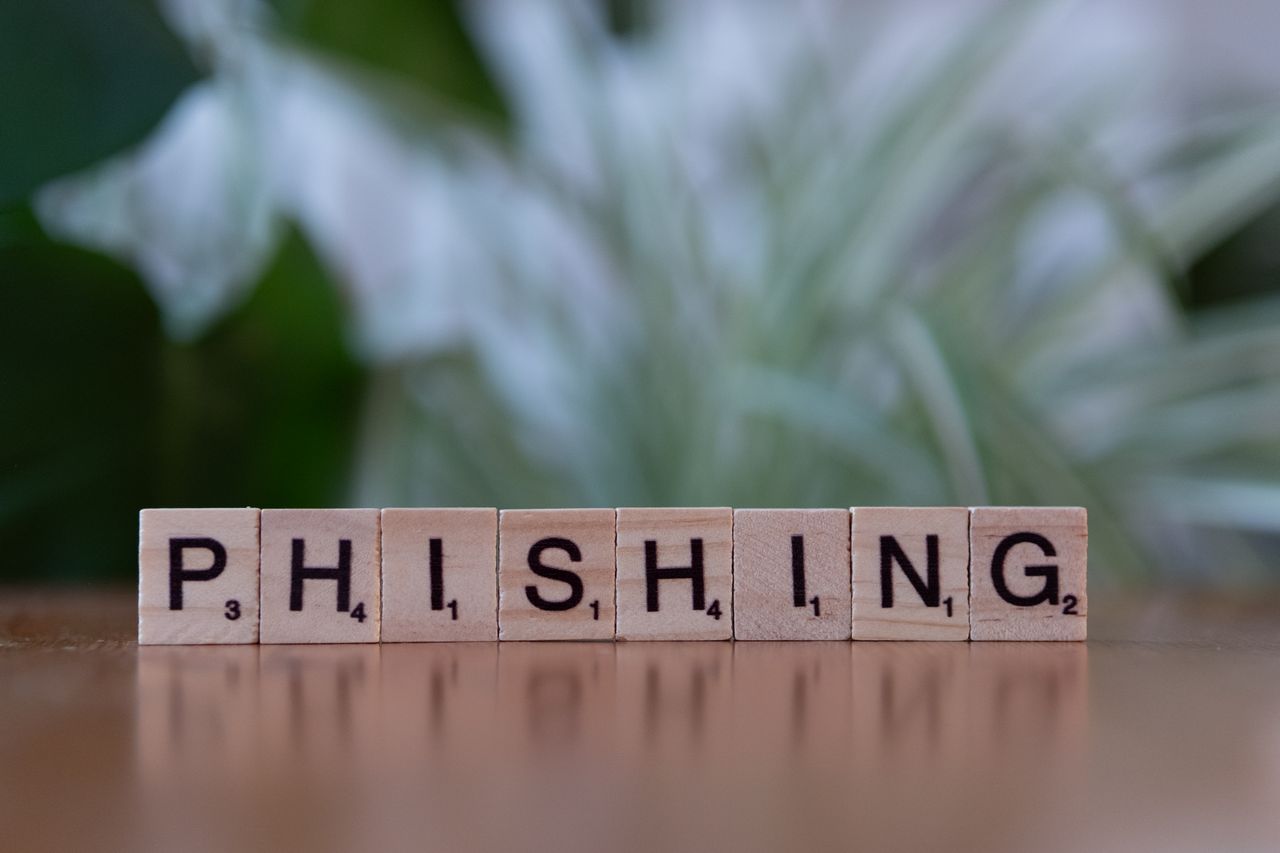
Cybercriminals are constantly looking for ways to steal sensitive information, and phishing remains one of the most successful attack methods. Every day, individuals and businesses receive fraudulent emails, text messages, phone calls, and fake websites designed to trick them into revealing passwords, financial details, or personal information. This is why phishing prevention has become a critical part of cybersecurity in 2026.
As technology advances, phishing attacks are becoming more convincing. Attackers now use artificial intelligence, social engineering, and automated tools to create highly realistic scams. Because of this, organizations and individuals must understand how phishing works and how to defend against it effectively.
What Is Phishing?
Phishing is a cyberattack that attempts to trick people into revealing sensitive information or performing actions that benefit attackers.
Common phishing goals include:
- Stealing passwords
- Collecting financial information
- Installing malware
- Gaining unauthorized access
- Committing identity theft
Effective phishing prevention starts with understanding how these attacks operate and recognizing warning signs early.
Why Phishing Is a Major Threat
Phishing remains popular because it targets human behavior rather than technical vulnerabilities. Even organizations with strong security systems can become victims if employees are deceived.
A successful phishing attack can result in:
- Data breaches
- Financial losses
- Account compromise
- Malware infections
- Reputation damage
Because phishing often serves as the entry point for larger cyberattacks, prevention is extremely important.
Common Types of Phishing Attacks
Understanding attack methods is an important part of phishing prevention.
Email Phishing
Attackers send fraudulent emails that appear to come from trusted organizations.
Examples may imitate:
- Banks
- Online retailers
- Government agencies
- Technology companies
Spear Phishing
Spear phishing targets specific individuals or organizations using personalized information.
These attacks are often more convincing because they appear highly relevant to the recipient.
Smishing
Smishing uses SMS text messages to trick users into clicking links or sharing information.
Vishing
Vishing involves fraudulent phone calls where attackers impersonate trusted entities.
Business Email Compromise (BEC)
Attackers impersonate executives or employees to request payments or sensitive information.
BEC attacks continue to increase in 2026.
Warning Signs of a Phishing Attempt
Recognizing suspicious activity is a key part of phishing prevention.
Common warning signs include:
- Unexpected messages
- Urgent requests for action
- Suspicious links
- Requests for passwords
- Grammar or spelling mistakes
- Unusual sender addresses
Whenever something feels unusual, users should verify the request independently.
How to Prevent Phishing Attacks
Verify Email Senders
Always check the sender’s address carefully. Attackers often use addresses that look similar to legitimate organizations.
Avoid Clicking Suspicious Links
Before clicking any link, verify its destination. Hovering over links can help reveal their true target.
Never Share Passwords Through Email
Legitimate organizations rarely request passwords through email or text messages.
Use Multi-Factor Authentication (MFA)
MFA adds an additional layer of protection if credentials are stolen.
A strong phishing prevention strategy should always include MFA for important accounts.
Keep Software Updated
Updates help protect systems from malware that may be delivered through phishing attacks.
Regularly update:
- Operating systems
- Browsers
- Security software
- Mobile devices
Employee Awareness Training
Human error remains one of the biggest cybersecurity risks.
Organizations should provide regular training on:
- Recognizing phishing attempts
- Reporting suspicious messages
- Safe browsing habits
- Password security
Security awareness is one of the most effective phishing prevention measures available.
Use Email Security Solutions
Modern email security tools help filter malicious messages before they reach users.
These solutions may help:
- Block spam
- Detect suspicious attachments
- Identify malicious links
- Prevent malware delivery
Technology and user awareness work best when combined.
Protecting Against Phishing on Mobile Devices
Mobile users are increasingly targeted because people often review messages quickly and may overlook warning signs.
To improve security:
- Verify links before opening them
- Avoid installing unknown applications
- Enable MFA
- Keep mobile devices updated
Mobile security should be included in every phishing prevention strategy.
What To Do If You Suspect a Phishing Attack
If you receive a suspicious message:
- Do not click links.
- Do not open attachments.
- Verify the sender independently.
- Report the message to your security team if applicable.
- Delete the message after reporting it.
Quick action can prevent security incidents.
What To Do If You Fall for a Phishing Scam
Mistakes happen, and responding quickly is important.
Recommended actions include:
- Change affected passwords immediately
- Enable MFA if not already active
- Contact financial institutions if necessary
- Notify IT or security teams
- Scan devices for malware
Prompt action can significantly reduce potential damage.
How AI Is Changing Phishing Attacks
Artificial intelligence is transforming phishing in 2026. Attackers now use AI to create more convincing messages, realistic language, and highly targeted campaigns.
At the same time, defenders use AI-powered security systems to:
- Detect suspicious emails
- Analyze behavior patterns
- Identify malicious links
- Improve threat intelligence
Because of this, modern phishing prevention combines human awareness with advanced security technologies.
Best Practices for Organizations
Organizations can strengthen defenses by implementing:
- Multi-factor authentication
- Employee awareness training
- Email filtering systems
- Security monitoring
- Incident response procedures
- Regular phishing simulations
A layered approach provides stronger protection than relying on a single control.
Common Phishing Prevention Mistakes
Many security incidents occur because users make avoidable errors.
Common mistakes include:
- Trusting urgent messages
- Reusing passwords
- Ignoring MFA
- Clicking unknown links
- Failing to verify requests
Awareness and caution significantly reduce these risks.
Career Importance of Phishing Prevention Knowledge
Understanding phishing prevention is valuable across many cybersecurity and IT roles.
Relevant careers include:
- Security Analyst
- SOC Analyst
- IT Administrator
- Security Consultant
- Incident Responder
- Risk Analyst
Because phishing remains one of the most common attack methods, these skills are highly relevant in modern cybersecurity.
Conclusion
Phishing prevention is one of the most important aspects of cybersecurity because phishing attacks continue to be a leading cause of security incidents worldwide. As attackers use increasingly sophisticated techniques, individuals and organizations must remain vigilant and proactive.
By recognizing warning signs, using multi-factor authentication, verifying requests, keeping systems updated, and providing regular security awareness training, organizations can significantly reduce their exposure to phishing attacks and strengthen their overall cybersecurity posture.
FAQs
1. What is phishing?
Phishing is a cyberattack that attempts to trick users into revealing sensitive information or performing harmful actions.
2. Why is phishing so common?
Phishing targets human behavior, making it effective even against organizations with strong technical security controls.
3. What is the best phishing prevention method?
Combining user awareness, MFA, and email security tools provides strong protection.
4. What is spear phishing?
Spear phishing is a targeted phishing attack aimed at specific individuals or organizations.
5. How can I identify a phishing email?
Look for suspicious links, unusual sender addresses, urgent requests, and unexpected attachments.
6. Does MFA help prevent phishing?
Yes, MFA can reduce the impact of stolen credentials.
7. What should I do if I click a phishing link?
Change passwords immediately, enable MFA, and notify your security team if applicable.
8. How is AI affecting phishing in 2026?
AI helps attackers create more convincing scams, while defenders use AI to improve threat detection and monitoring.







Security Operations Center Tools: Complete Guide
A Security Operations Center, or SOC, monitors an organization's systems for suspicious...
Zahra_Alialiali6 Mins read

The “Mom, I Lost My Phone” Scam: How Thieves Use AI Voice Cloning
Imagine sitting quietly at home when your phone rings. You pick it...
 Beatriz3 Mins read
Incident Response Plan: Complete Cybersecurity Guide
A cyberattack can happen even when an organization has strong security controls....
Zahra_Alialiali6 Mins read
Digital Forensics for Beginners: Complete Guide
Computers, smartphones, cloud services, and networks contain valuable information about what happened...
Zahra_Alialiali6 Mins read





Leave a comment